
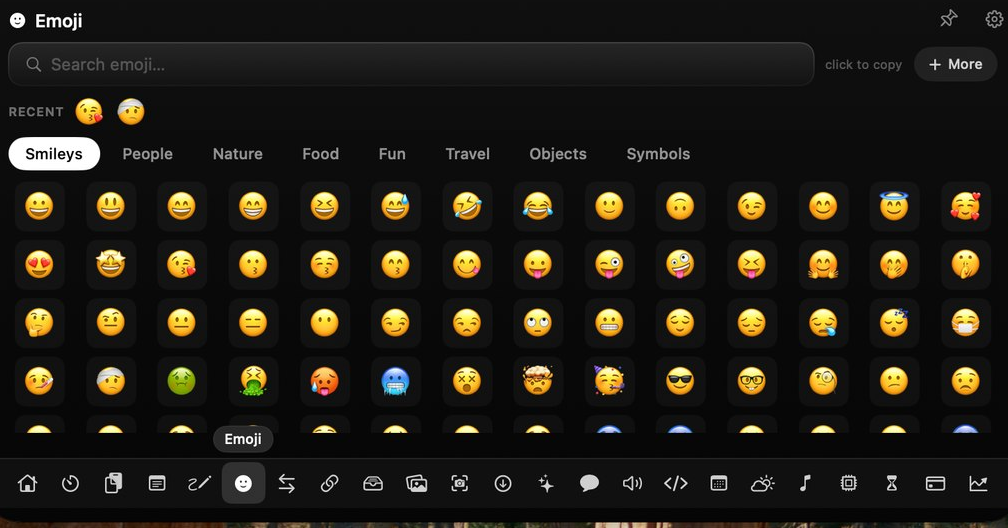
Emoji pickerFind any emoji, click once to copy
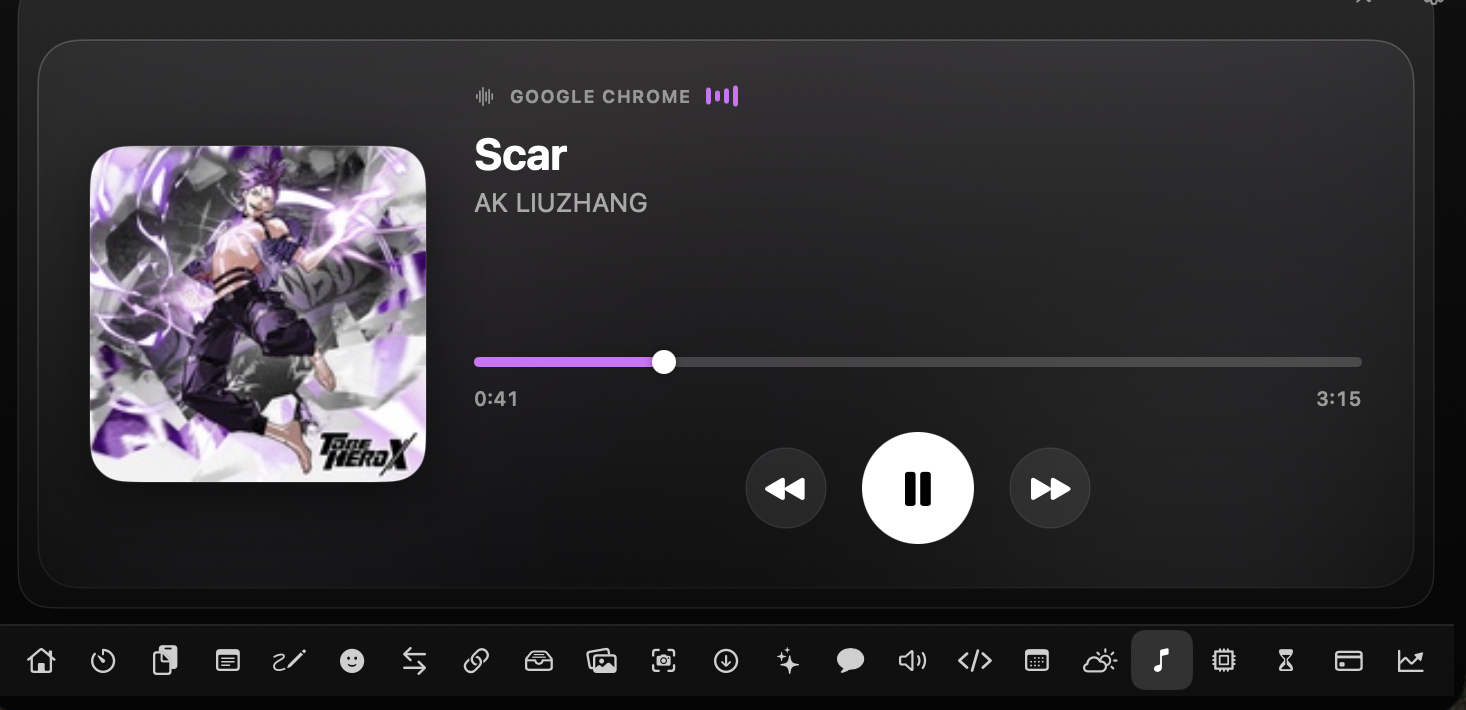
Now playing, clipboard, a file shelf, your links — and plenty more, a hover from the notch. 25 tools, always a glance away.Now playing, clipboard, file shelf, links & more — 25 tools, a hover away.
◇ One-time · Apple Silicon & Intel · Yours forever
Your notch is dead weight. Notchfy makes it a control center — media, clipboard, files, AI and 22 more, a hover away.
Notifications, captures, downloads and usage stats are read on your Mac and never leave it. No account, no telemetry.
100% on-devicePay once and own it — Apple Silicon or Intel, every update included. No subscription, no renewals.
One-timeBuilt in Swift & SwiftUI for macOS — not a web wrapper. Light on battery, instant on hover, at home on your Mac.
Swift & SwiftUIWhat you check all day, one hover away — 25 tools including MacMate AI. Each a simple on/off switch: keep what you use, hide the rest.
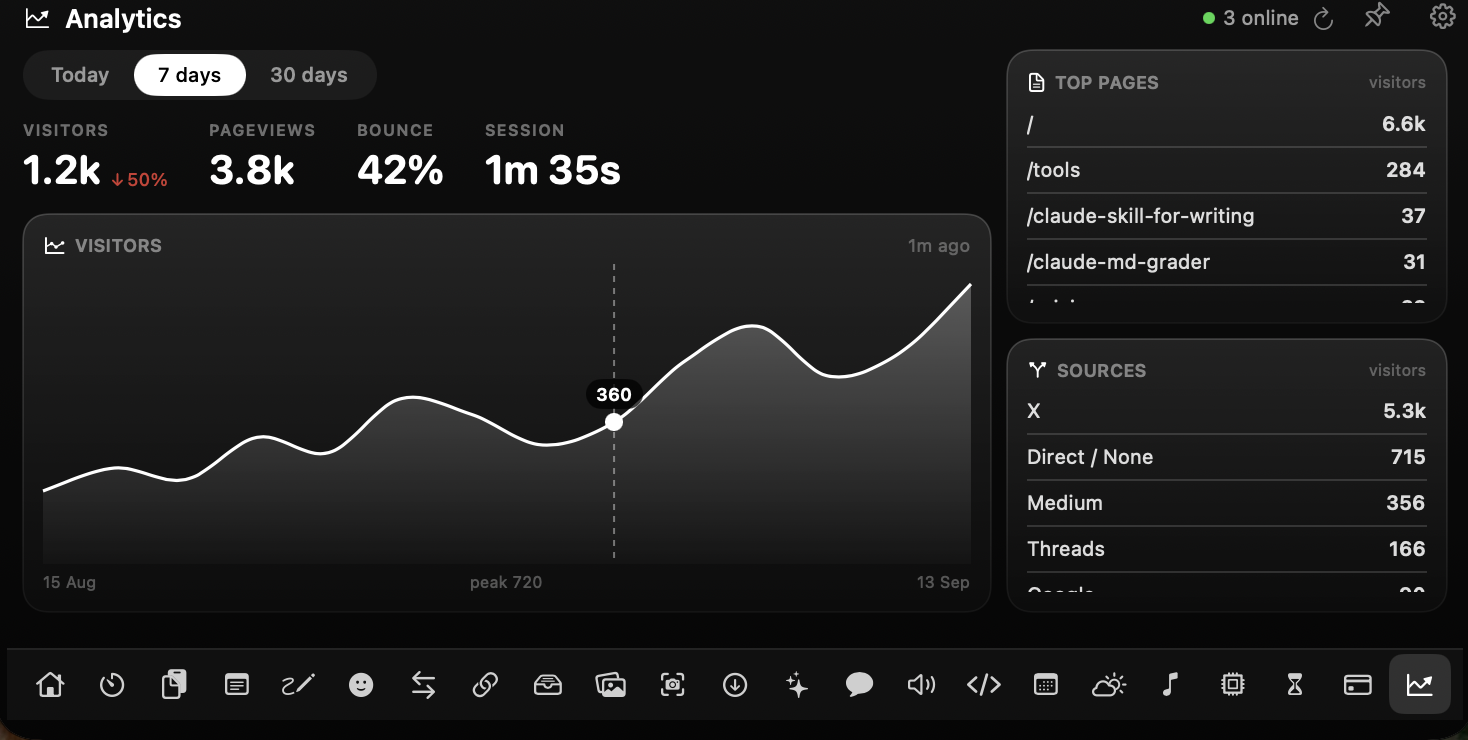
Visitors, top pages and where they came from — wired from your keys straight to the notch, so you never open the dashboard again.
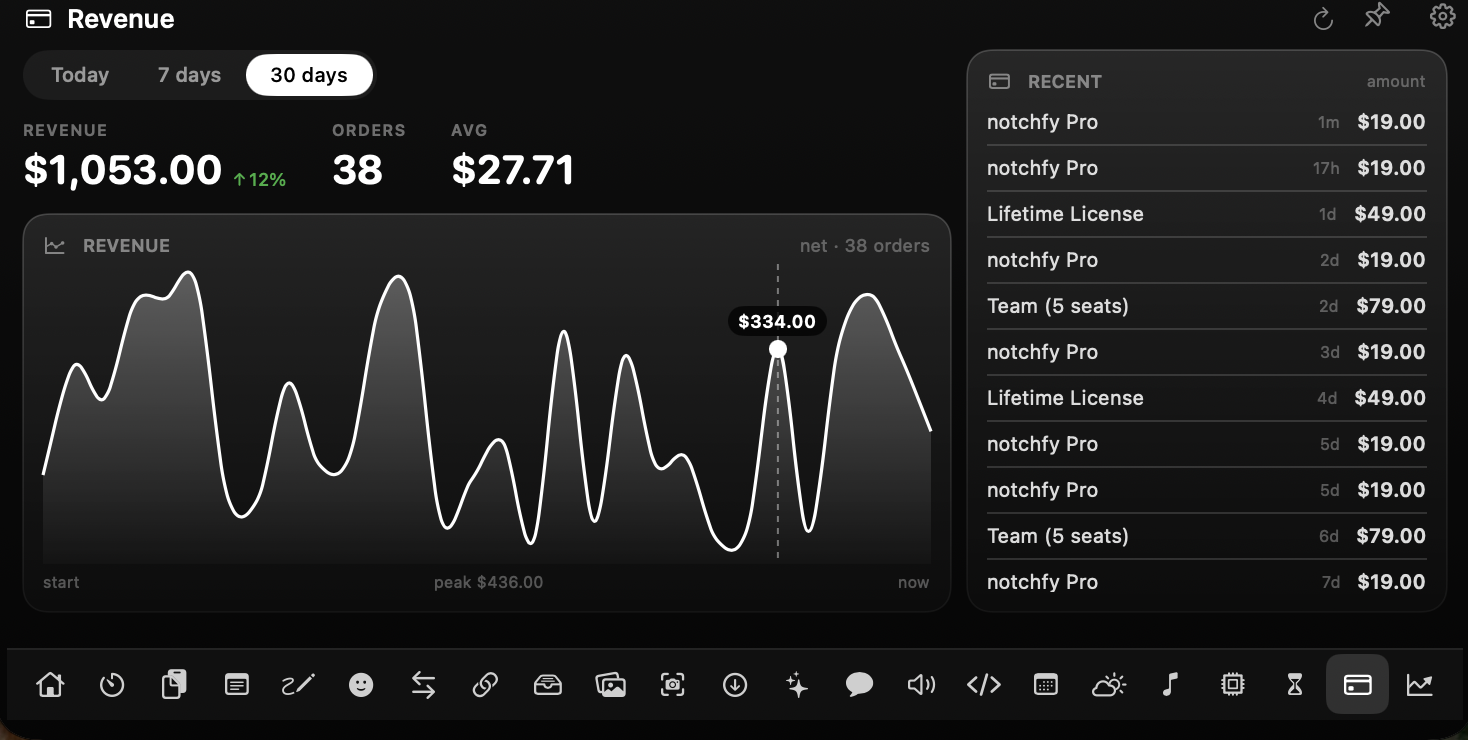
Drop in a read-only key and every sale pops onto the notch with the amount — the day's total sits there after the banner fades.
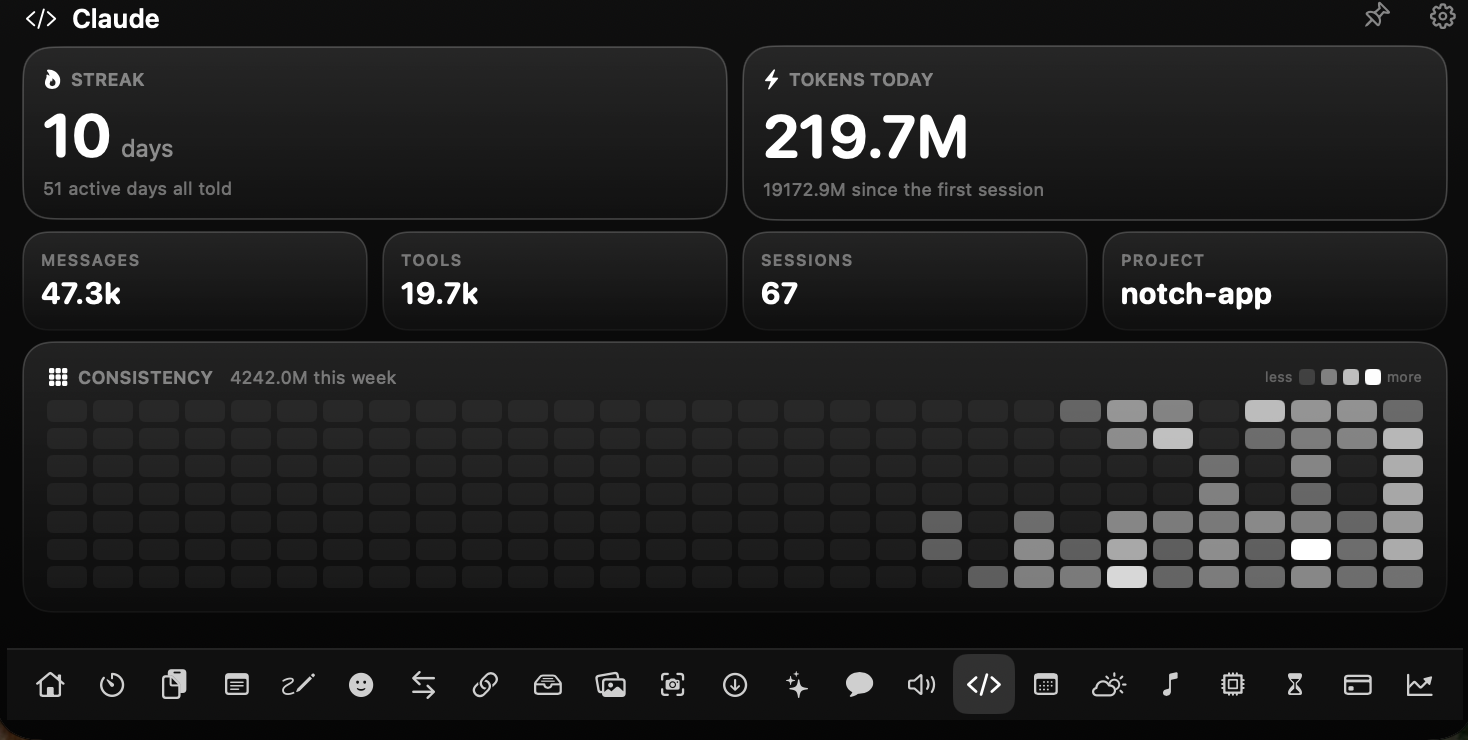
Today's tokens, tool calls, sessions and the project you're in — with a streak grid that fills as the days stack up.
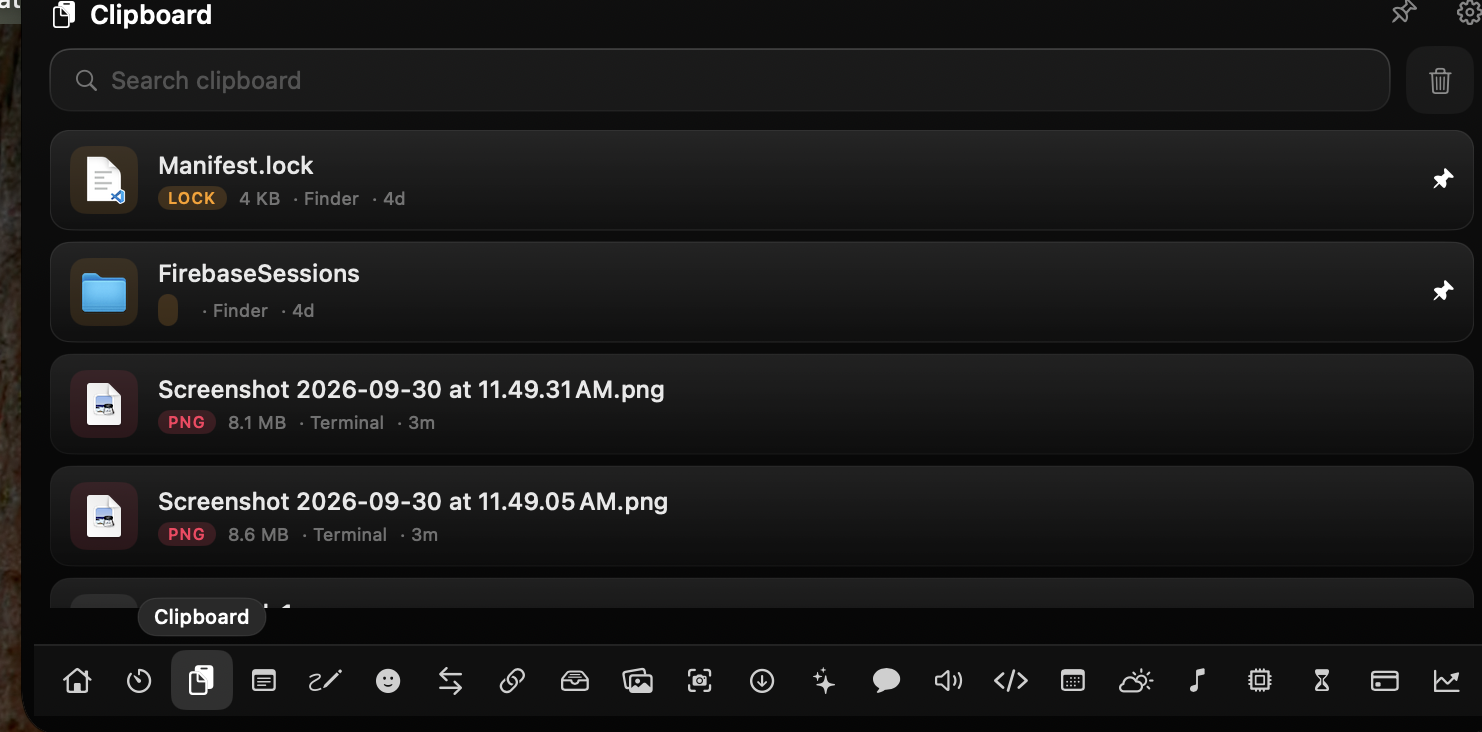
Every copy you make — text, links and files — kept and searchable, so you can paste any of them back later.
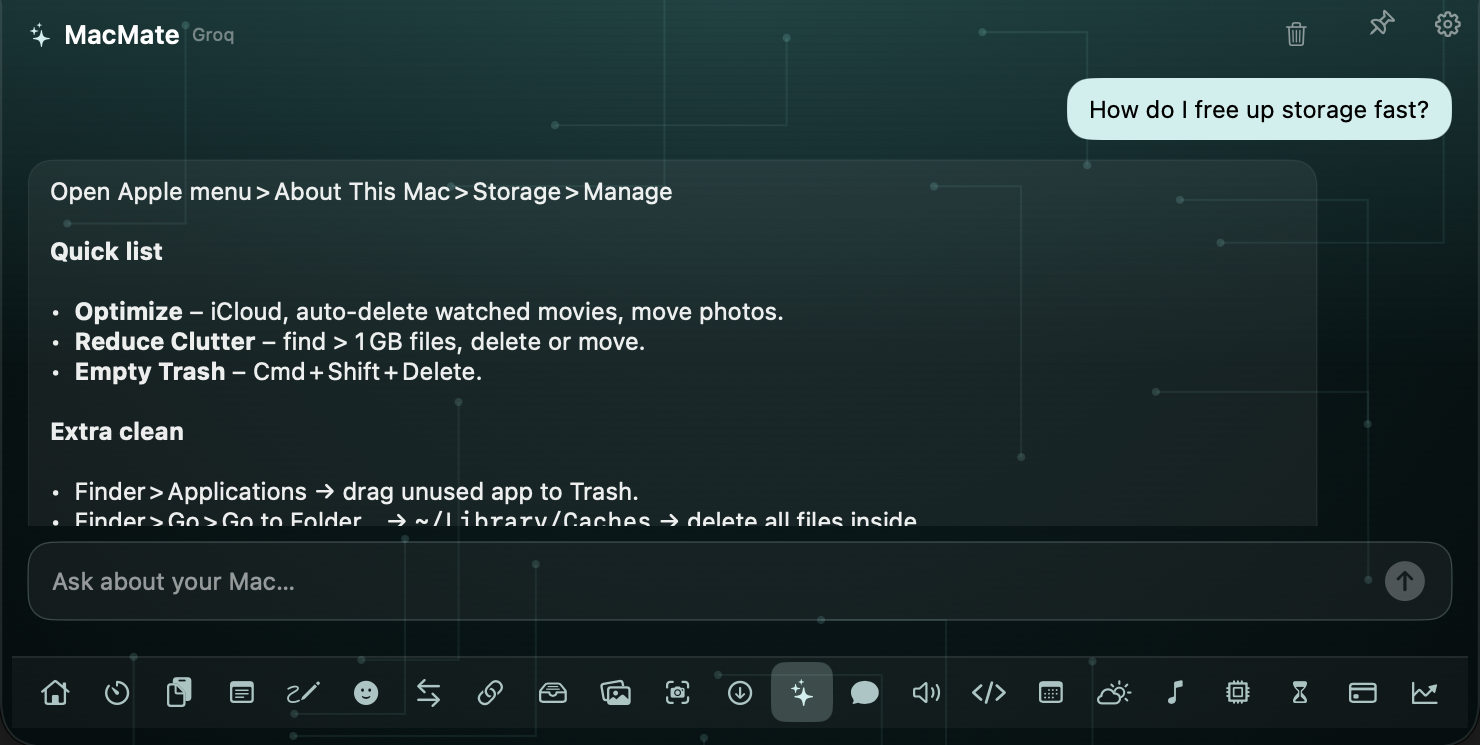
Stuck on your Mac? Ask MacMate — Settings, Finder, shortcuts, gestures. Free on Apple's on-device model, or your own Claude / GPT / Gemini key.
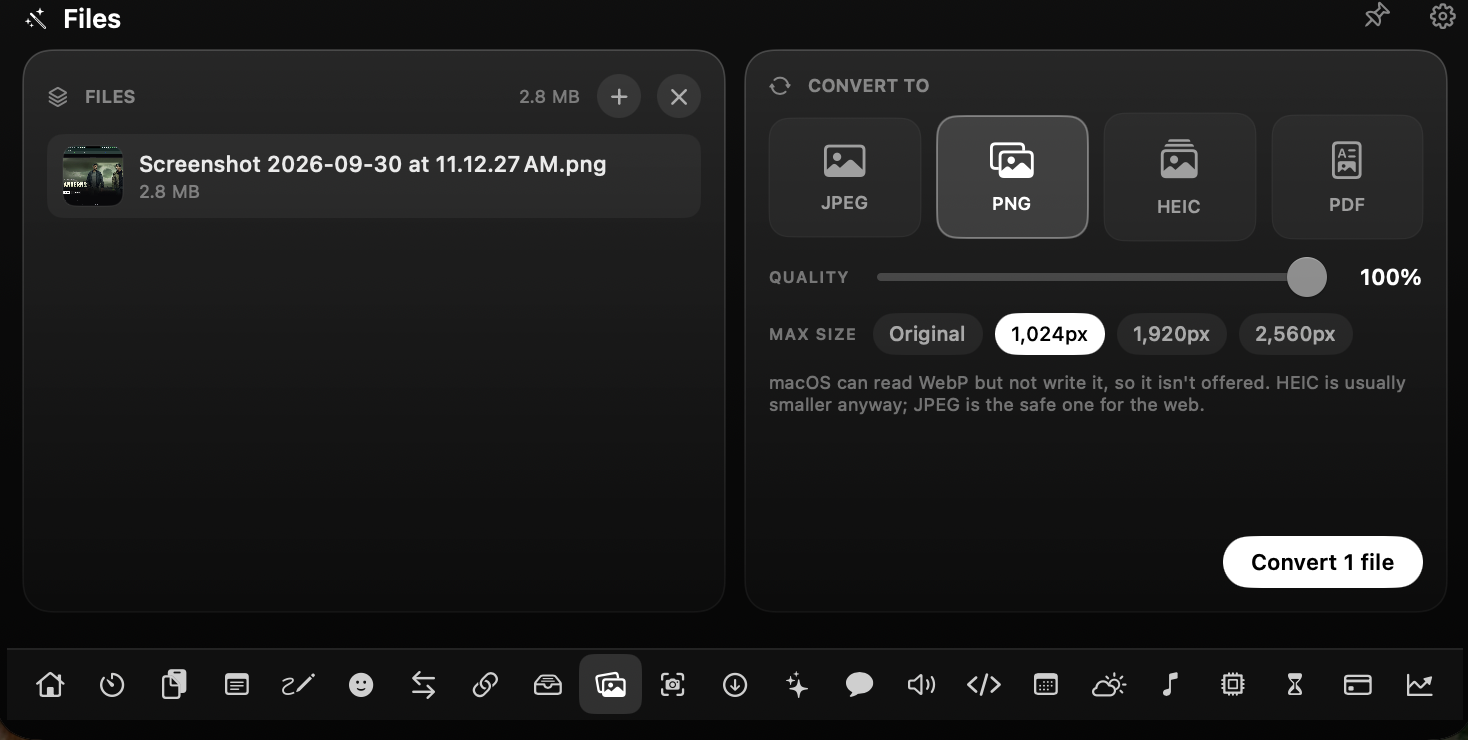
Convert & shrink images to JPEG, PNG, HEIC or PDF — all on your Mac.
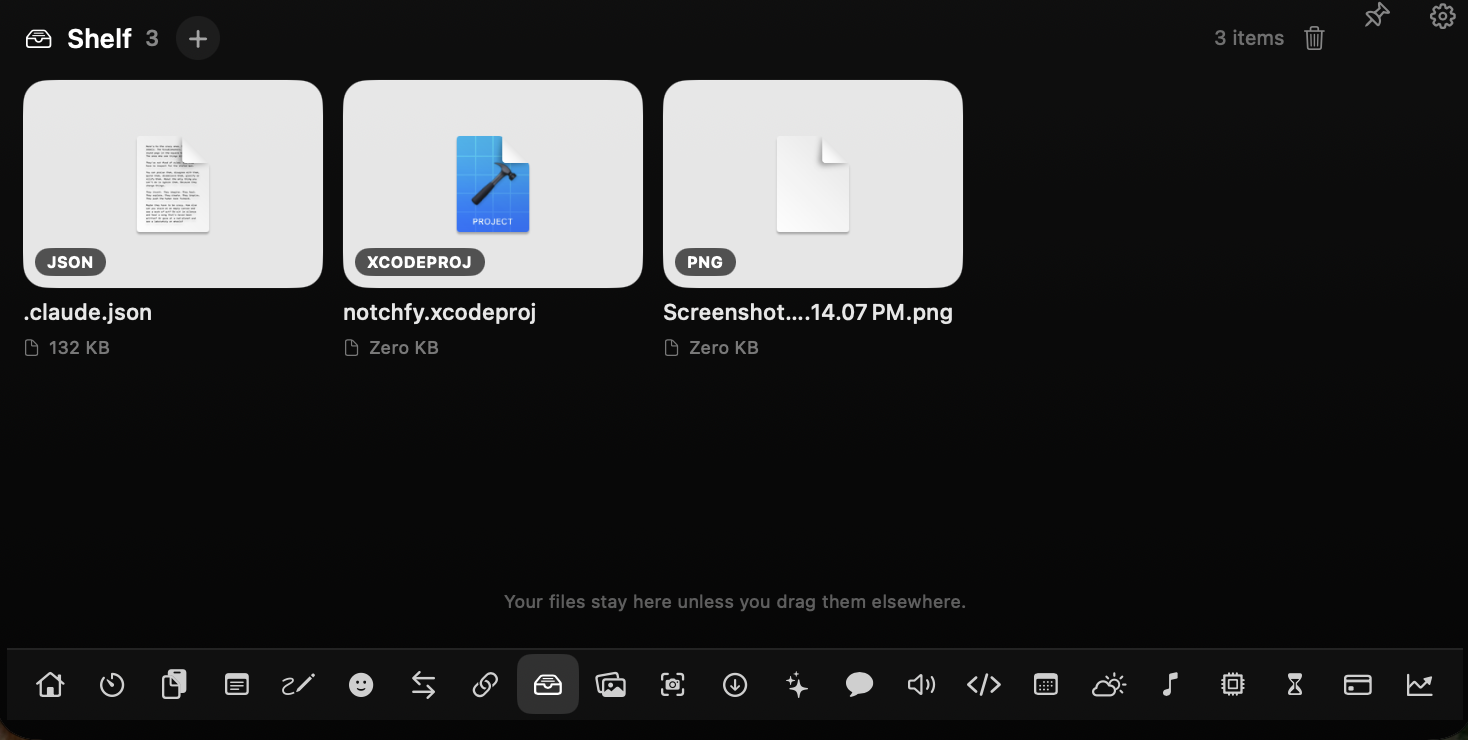
Drag files into the notch, drop them in any app later. Nothing uploaded.
The tools you reach for without thinking — faster from the notch than from anywhere else.
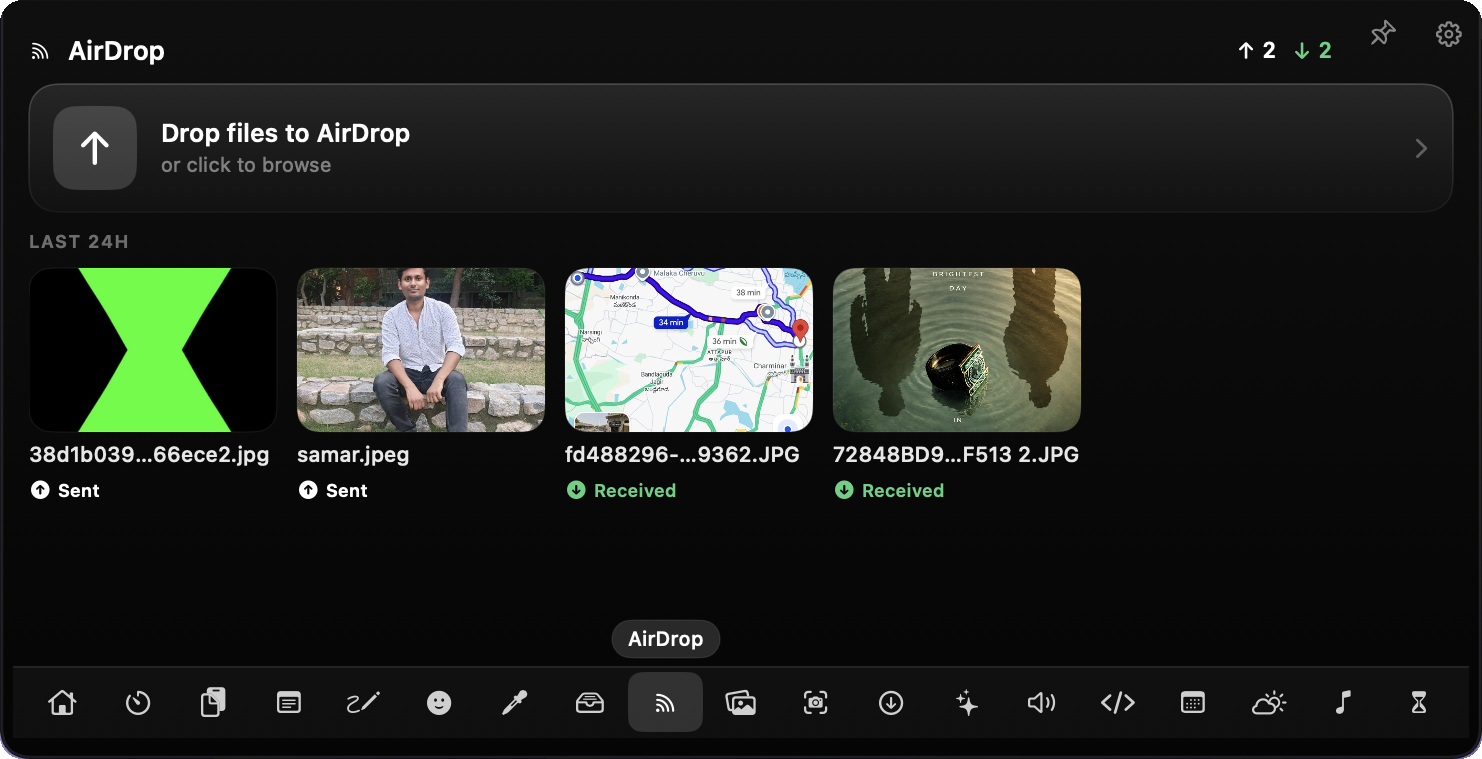
Flick a file onto the notch to send it. Everything sent and received, tracked for 24 hours.
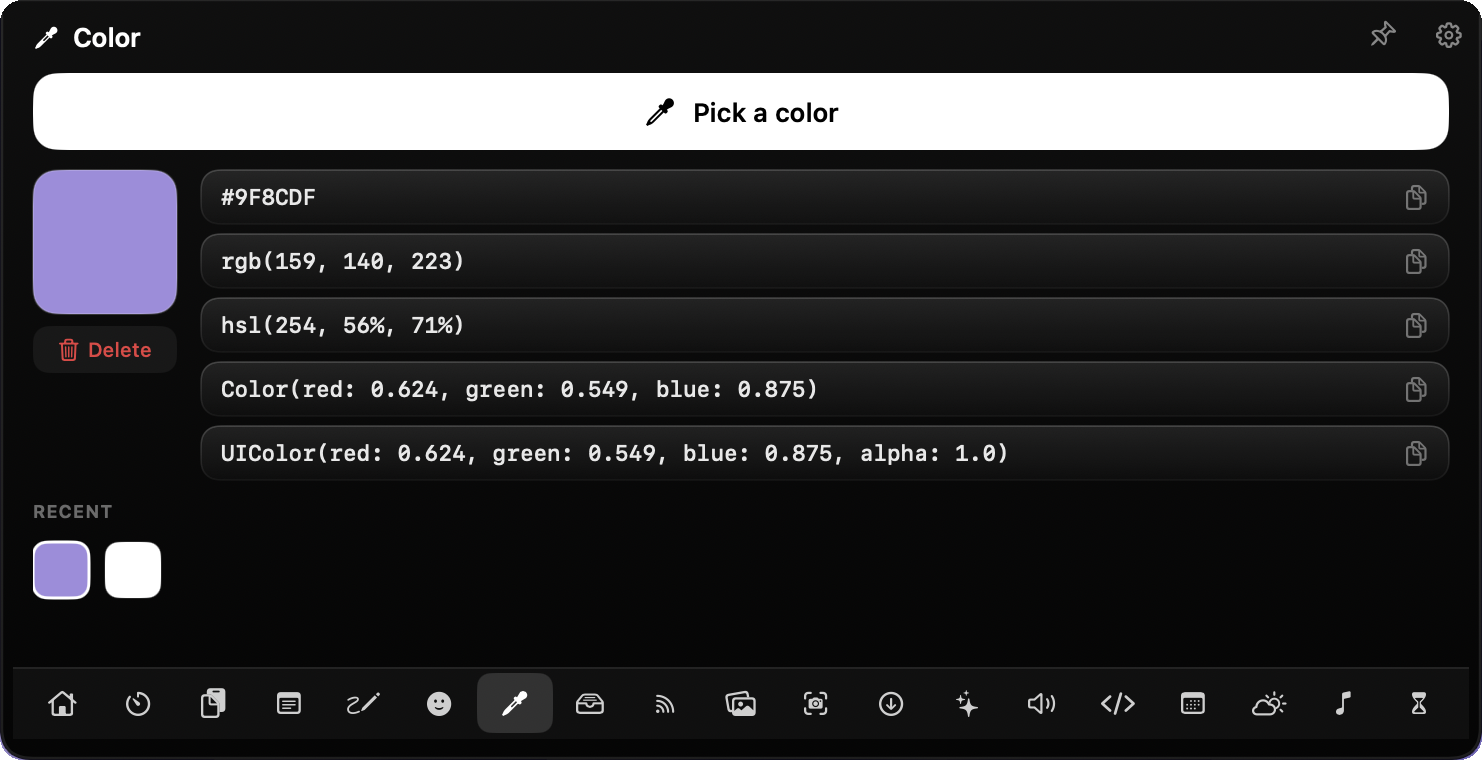
Eyedrop any pixel. Copy it as HEX, RGB, HSL, SwiftUI or UIColor in one tap.
The ones that quietly save you a trip to another app.
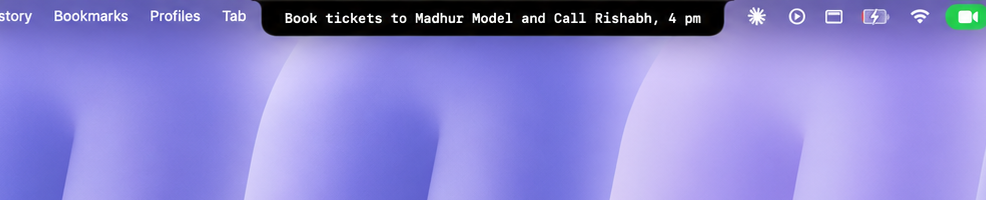
Pin a line — your notch expands to show it, a reminder you can't miss.
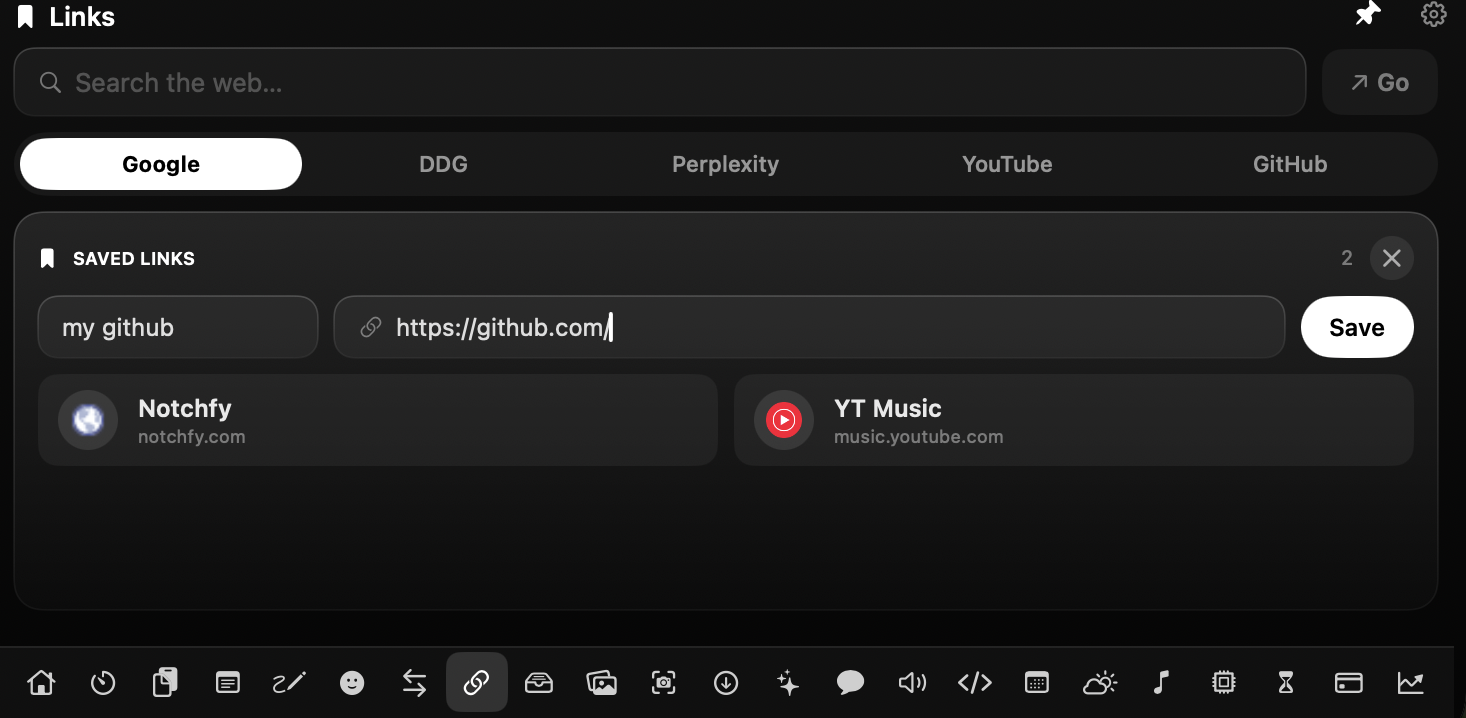
Search the web from the notch and keep the sites you live in, one click away.
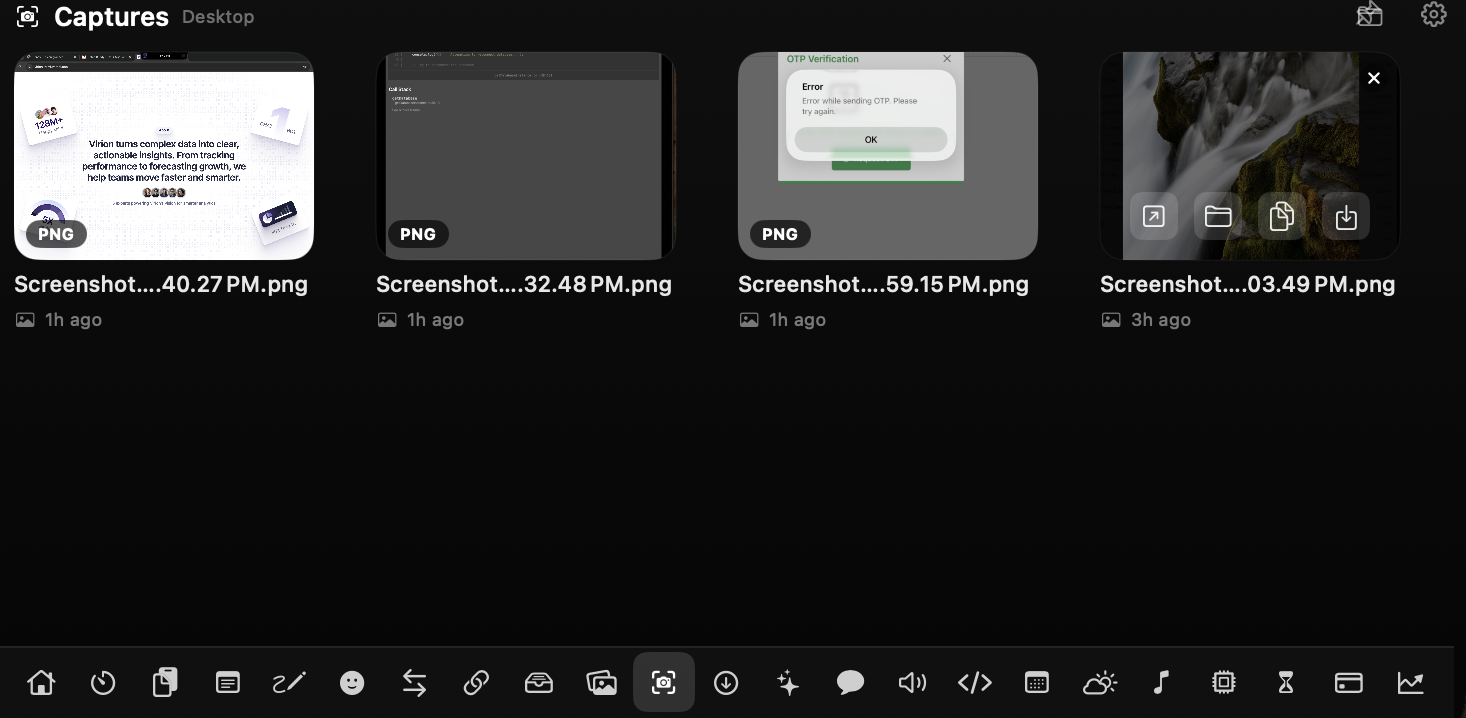
Every recent screenshot & recording, ready to drag out — one hover away.
Recolour your whole MacBook notch at once — pick the look that fits your Mac.
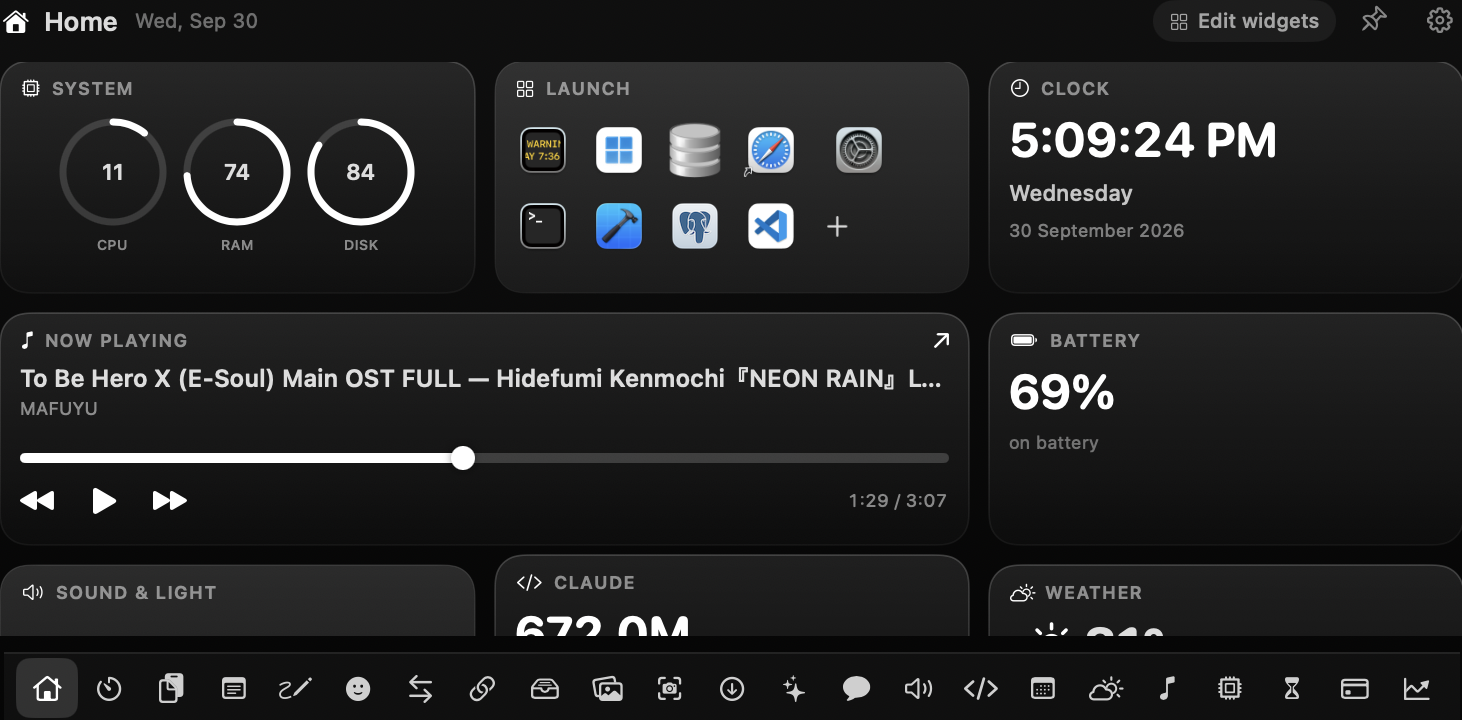
Black & white — nothing competes with the numbers.
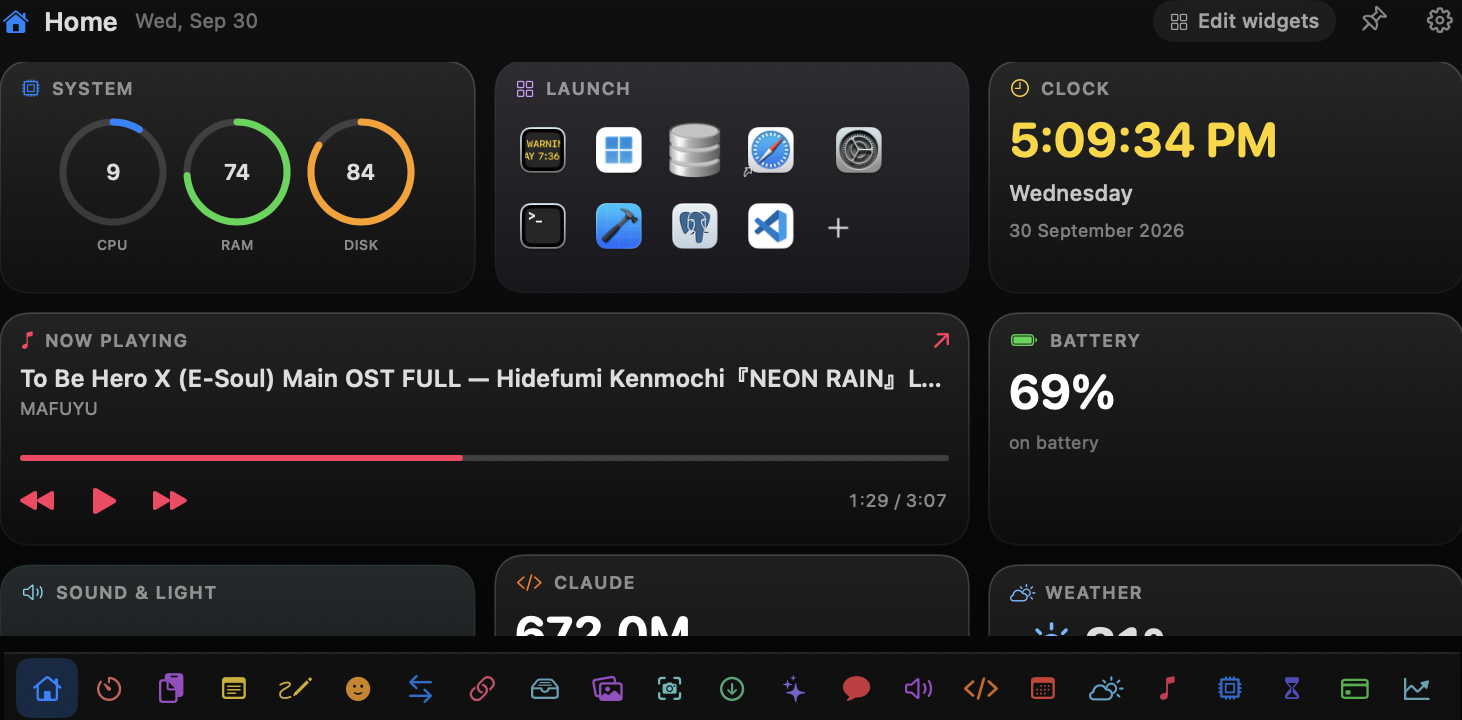
One system colour per module, in the numbers not the cards.
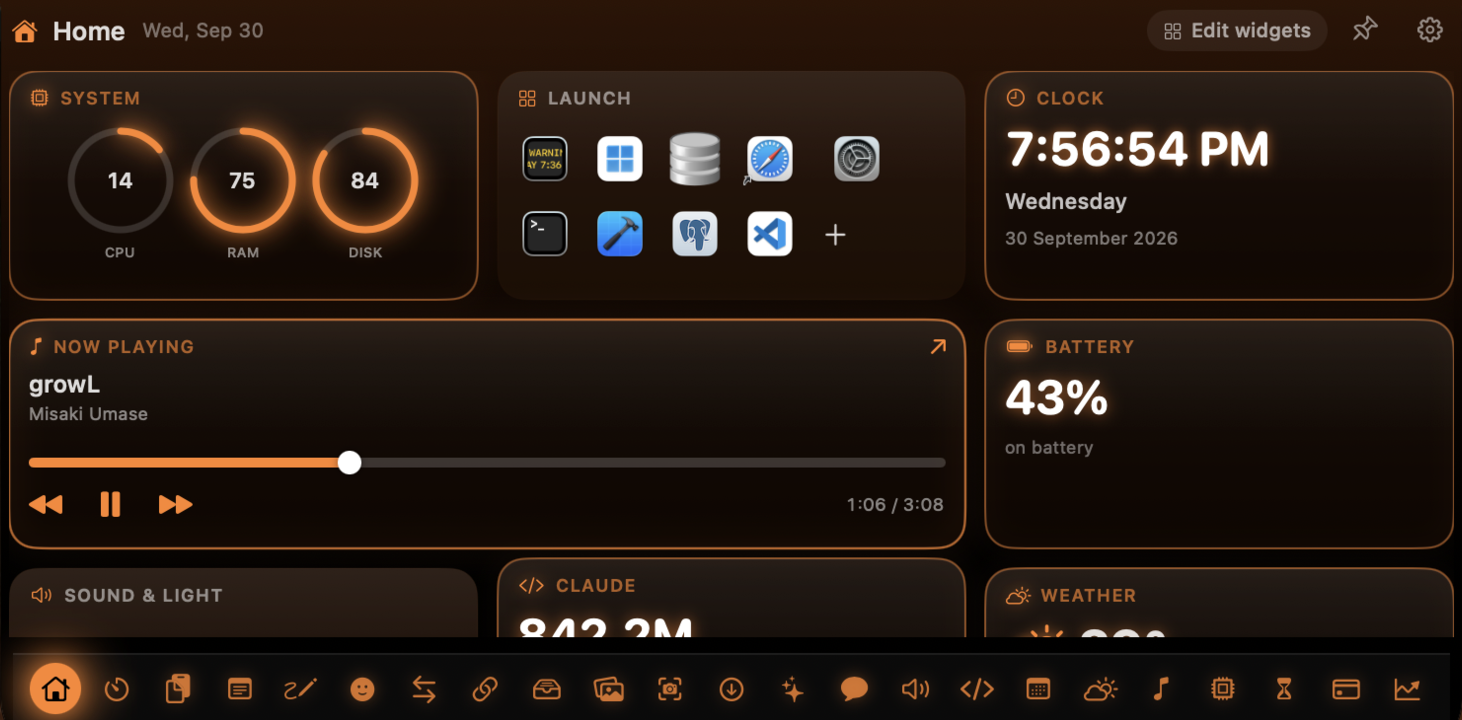
Molten orange over black, with a little glow.
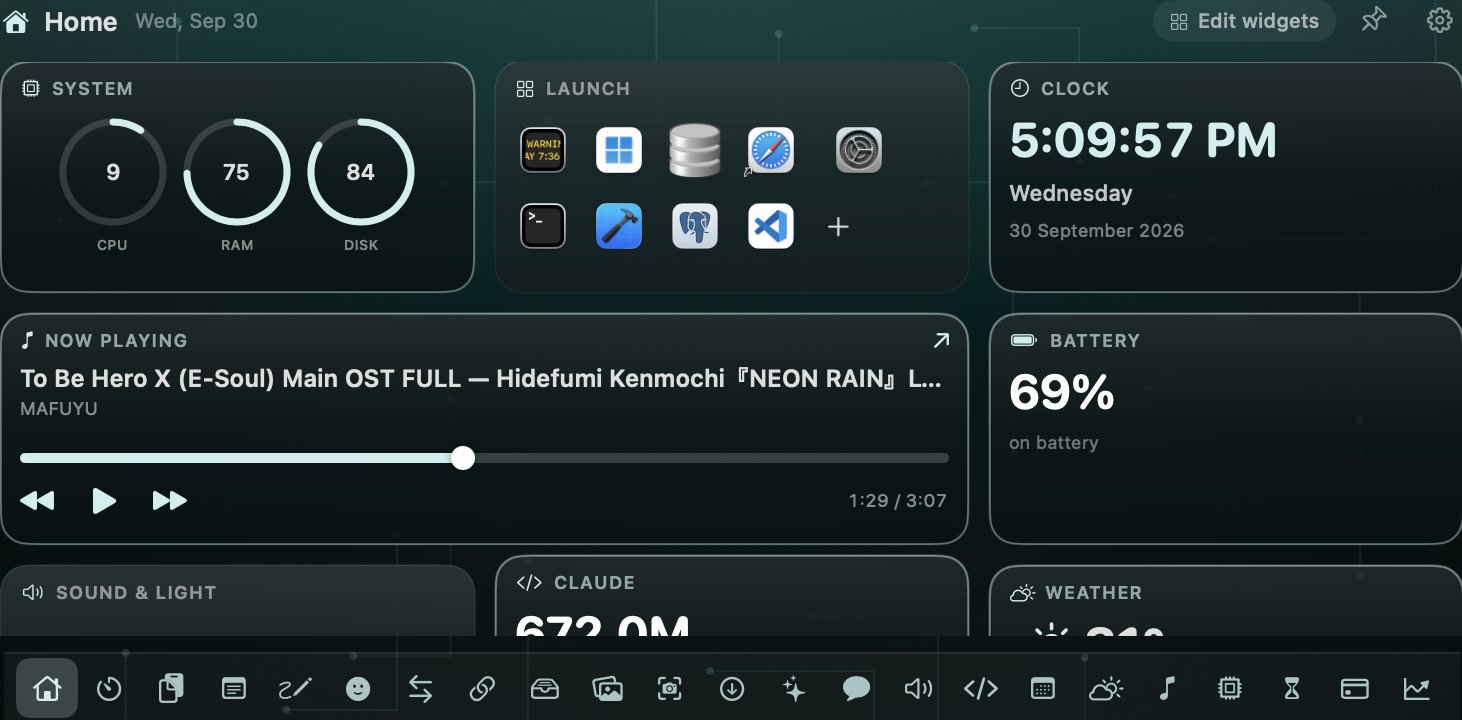
Cyan circuitry on deep teal — calm and technical.
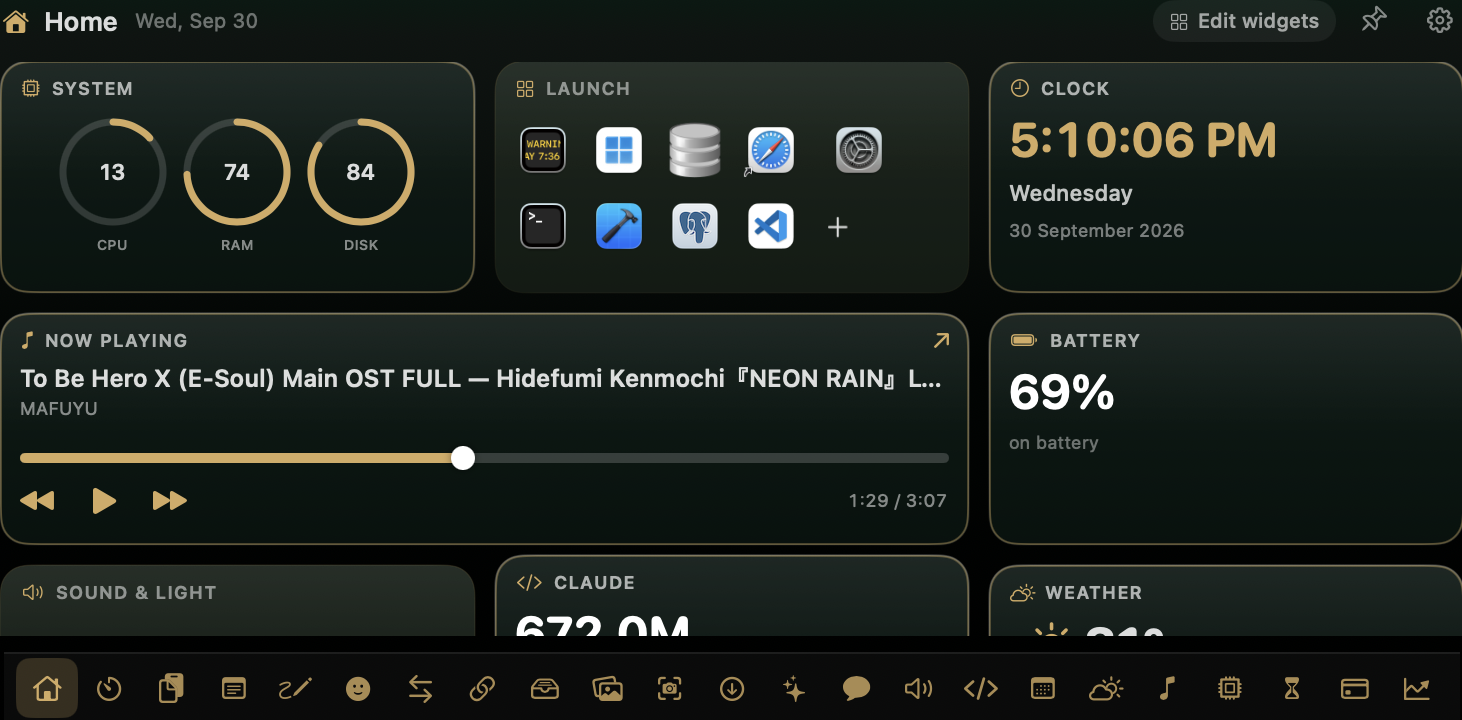
Deep premium green with brushed-gold accents.
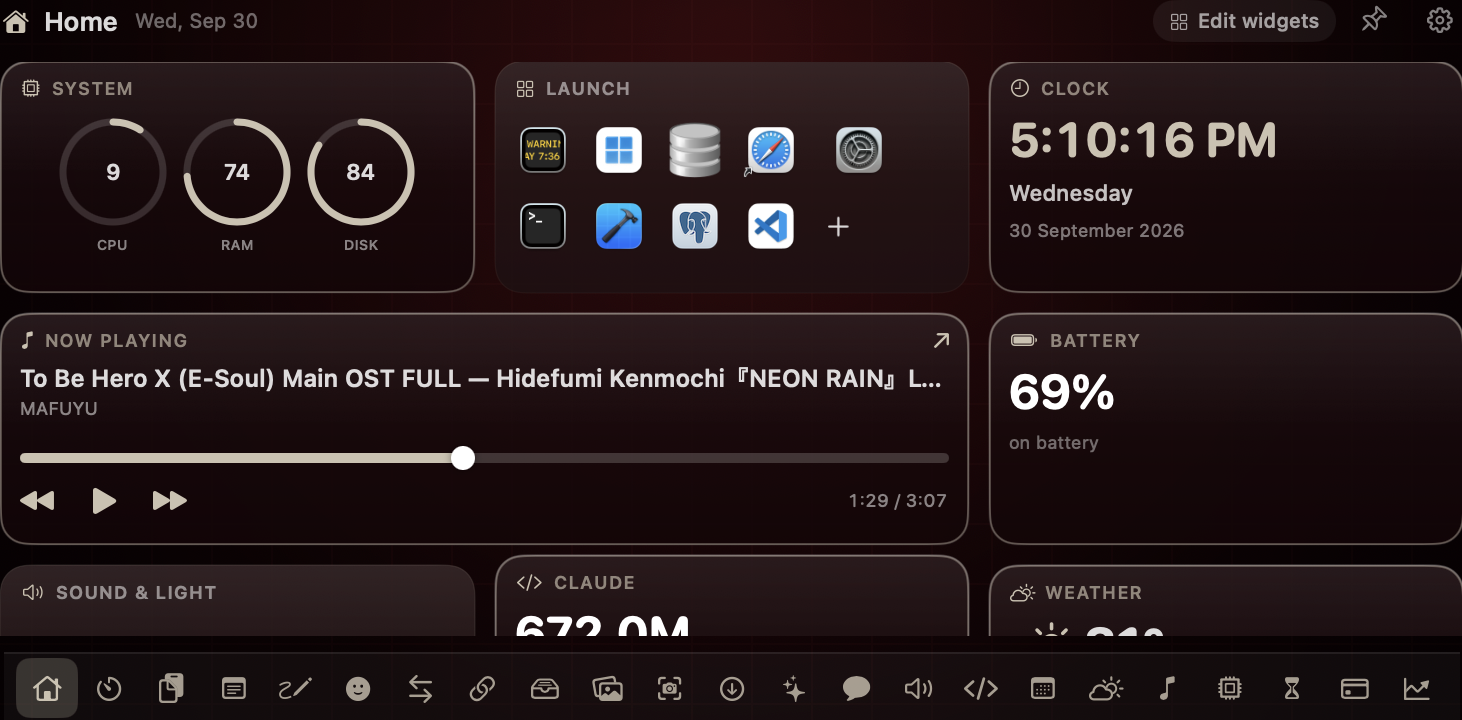
Oxblood borders and warm bone highlights — moody.
The rest of the toolkit — everyday things that are just faster from the notch than from anywhere else.
Now playing, your next event and a quick launcher.
CPU, memory, disk, network and real battery health.
Where the day went, app by app, over seven days.
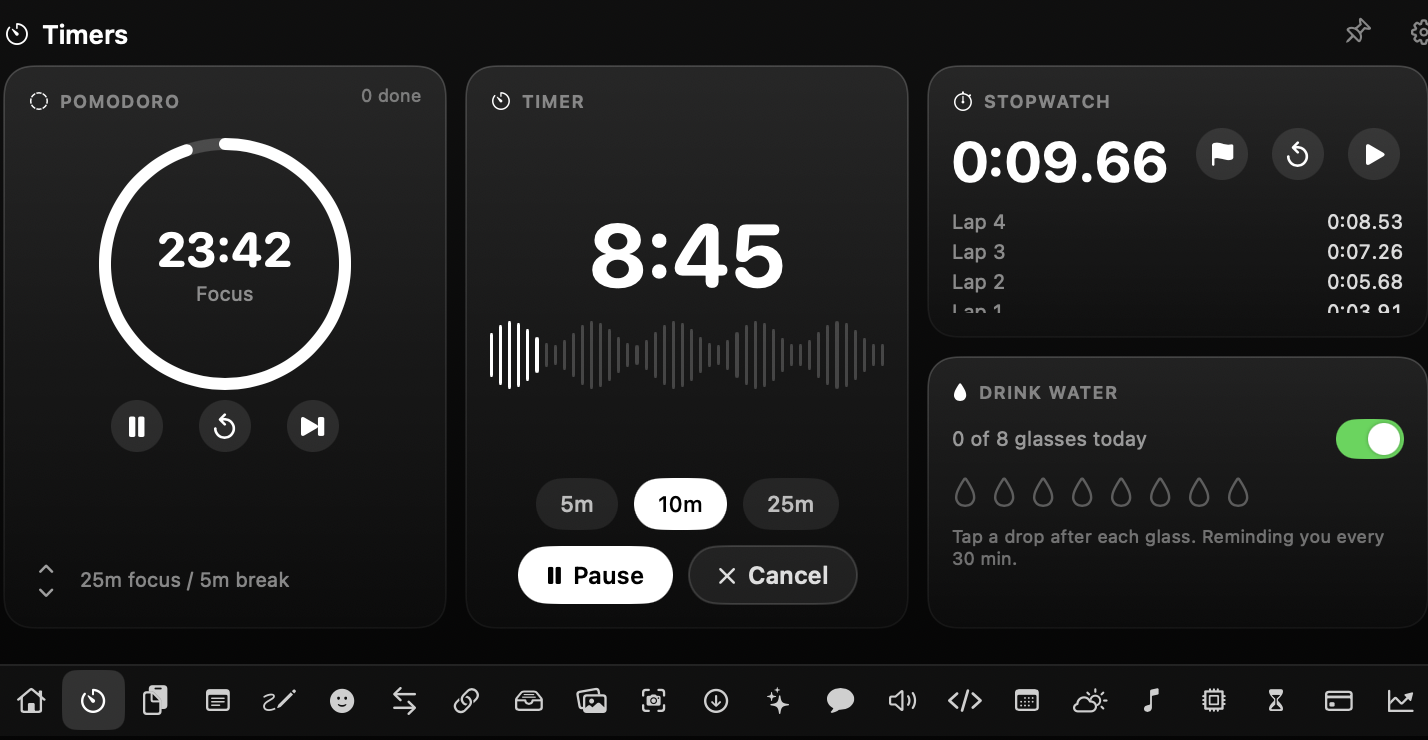
Pomodoro, countdown, stopwatch and a hydration nudge.
A seven-day agenda and reminders you can tick off.
Feels-like now, the next twelve hours and the week.
A searchable history of everything you copied, by app.
Drag files in, drag them out anywhere. Nothing uploaded.
Drag onto the notch to send. Sent and received, counted.
Convert & shrink images to JPEG, PNG, HEIC or PDF.
Live progress in the notch, reveal the file when done.
Your last-24h screenshots and recordings, one hover away.
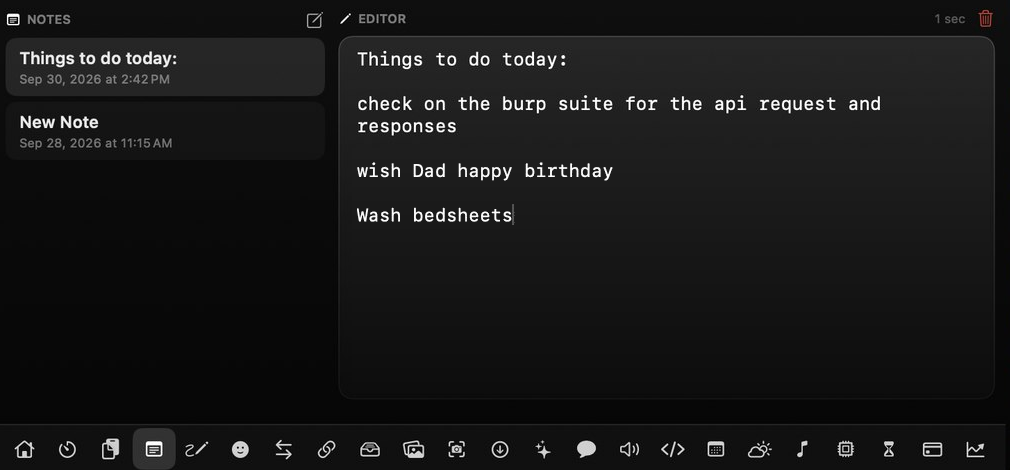
One always-there text box, pinnable to the notch.
For the thoughts that outgrow the scratchpad.
Search the web and keep the sites you live in close.
The whole picker, searchable, without the shortcut.
Eyedrop any pixel — HEX, RGB, HSL, SwiftUI, copied.
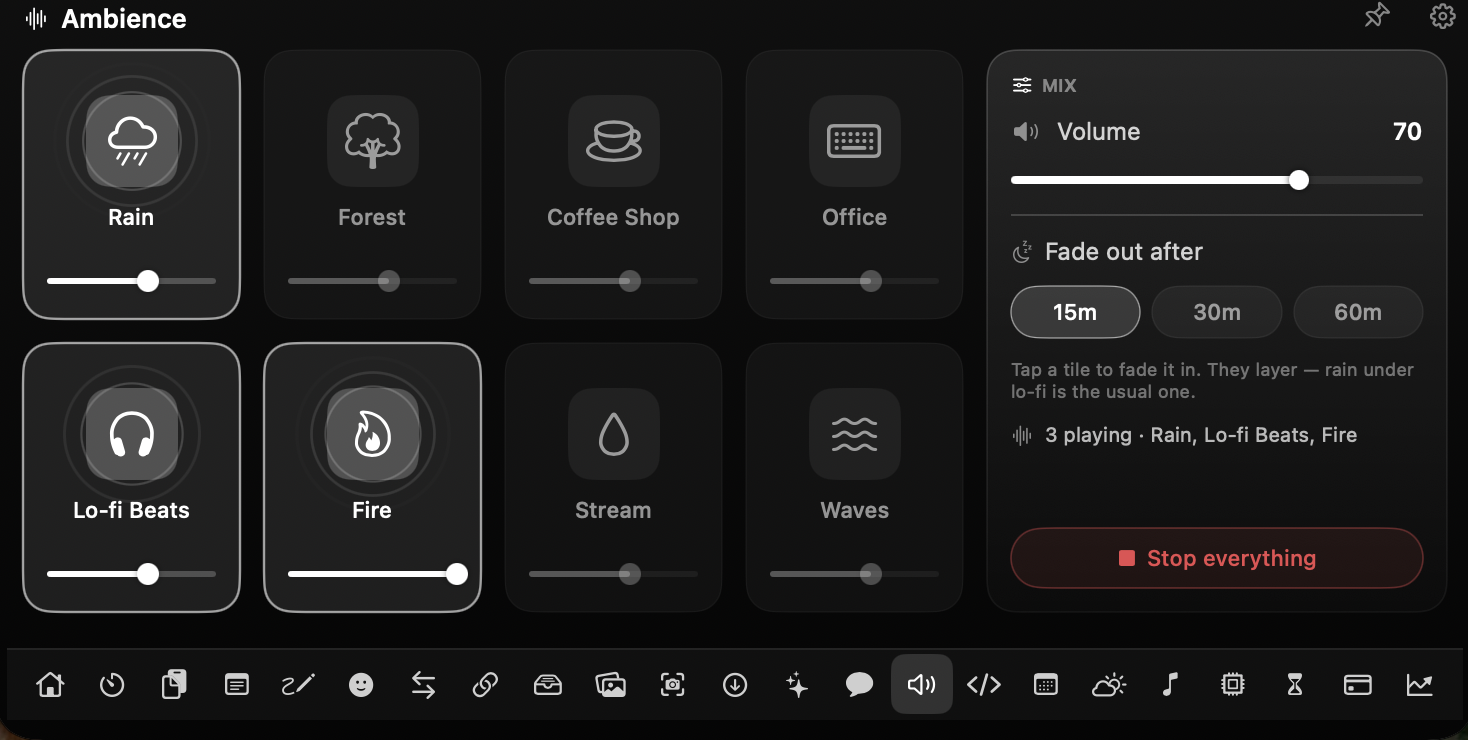
Rain, lo-fi and seven more — layered and faded.
A dot-matrix message scrolls across your own notch.
Quick conversions — no browser tab required.
Tokens, sessions, tool calls and a streak grid.
An on-device Mac assistant, or wired to your own key.
Up and running in a couple of minutes — no setup screens to fight through.

Move your cursor to the notch and it opens; move away and it hides. Prefer clicks? Flip it in Settings.
Buy once, activate with your license key. One-time — no subscription, no renewals.
Quick answers about Notchfy for your MacBook — setup, privacy and the basics.
No. On Macs without a physical notch, Notchfy draws a simulated notch at the top of the screen — same modules, same behaviour.
Pay once, get a license key by email, then paste the key into the app to activate this Mac. Need to switch Macs? Deactivate from Settings, then activate on the new one.
Everything runs locally. Notifications, captures, downloads and Claude-usage stats are read on-device and never leave it. MacMate uses Apple's on-device model or a key you provide.
Notchfy draws over the notch and reads things like mirrored notifications, the clipboard and system stats — all of which the App Store's sandbox blocks. So it ships directly instead, signed with Apple's Developer ID and notarized by Apple (the same security check Gatekeeper runs), which is also why it can update itself in the background.
macOS 14 (Sonoma) and later, Apple Silicon and Intel. Mirrored notifications need Full Disk Access; MacMate's on-device model needs macOS 26.
Yes — Apple Silicon and Intel both run Notchfy. It's a native Swift app, light on battery either way.
No. Notchfy hides itself automatically while any app is fullscreen, and when collapsed it's only as tall as the notch that's already there — so it never covers your work or what you're watching.
₹499 for the first 50 buyers, then ₹1199 — a one-time purchase. No subscription, no renewals; you own it for good.
Yes. Notchfy updates itself in the background and installs new versions automatically — every update is free, no re-purchase.
Yes. If Notchfy isn't for you, email us within 14 days of purchase for a full refund — no questions asked. Payments and refunds are handled by Dodo Payments, our merchant of record.
Twenty-three modules and a Mac-only AI, one hover away.
Launch price ₹499 — first 50 only.